
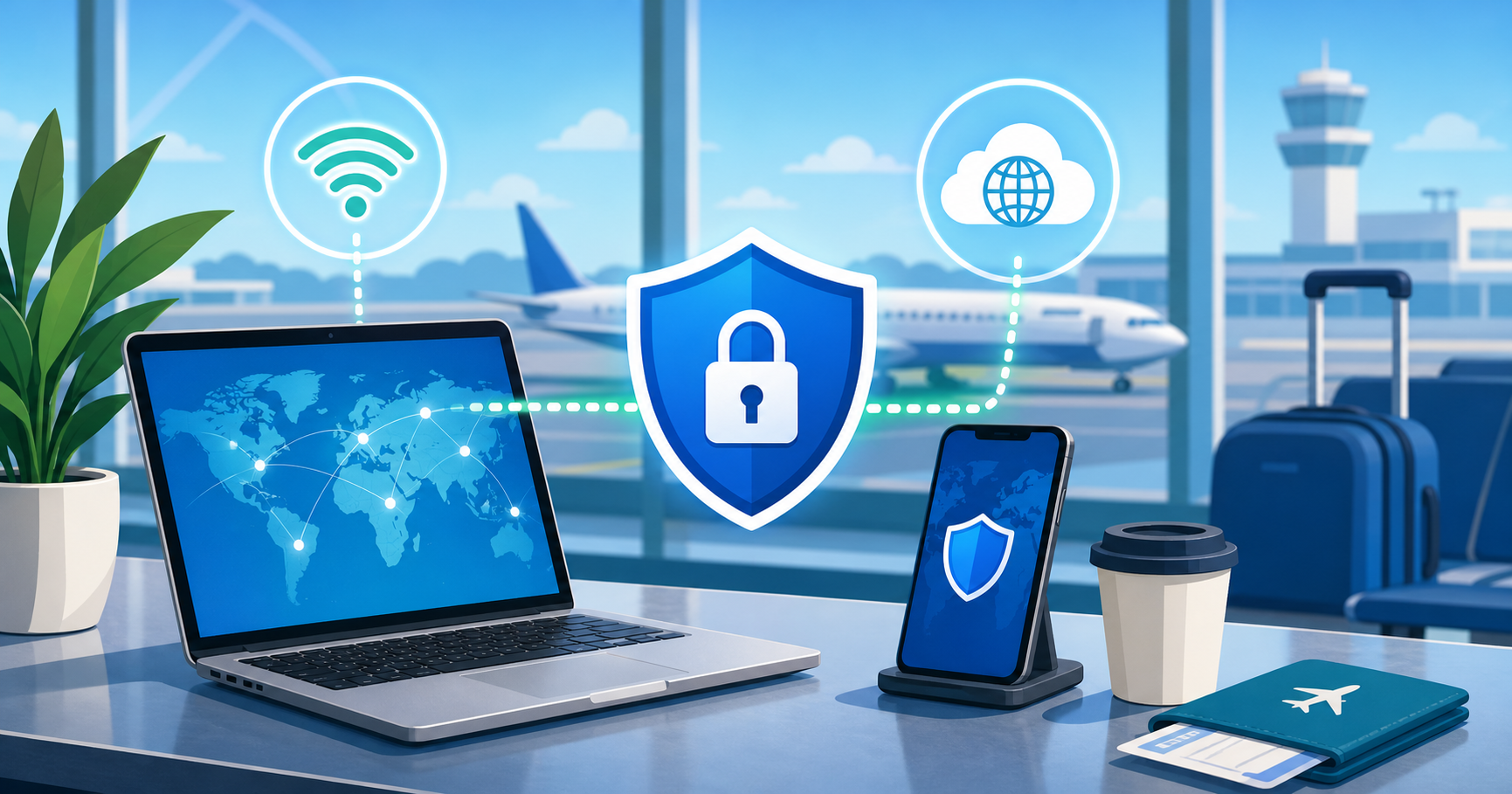
A layover can turn into an admin session fast. You check your gate, open email, change a hotel booking, message family, look up maps, and maybe log in to your bank before boarding.
That raises a fair question: is airport wifi safe enough for all of that?
The practical answer is: airport Wi-Fi can be useful, but you should treat it as a shared public network. A VPN is a sensible layer before you check sensitive accounts, especially when you are using airport Wi-Fi for more than casual browsing. It does not make every online action safe by itself, but it can reduce one important category of risk: exposure of your network traffic on public Wi-Fi.
What Makes Airport Wi-Fi Different From Home Wi-Fi?
At home, you usually know who controls the router, who has the password, and which devices are nearby. In an airport, the network is built for convenience and scale. Many people connect and disconnect throughout the day, often from the same gates, lounges, cafes, and waiting areas.
That does not mean every airport network is dangerous. It does mean you have less control over the environment.
Common airport Wi-Fi issues include:
- Networks that are open or lightly protected
- Lookalike hotspot names that can confuse rushed travelers
- Captive portals that ask you to accept terms before connecting
- Crowded networks where many unknown devices are nearby
- Travelers logging in to sensitive accounts while tired or distracted
Good airport wifi security is partly about the network, but it is also about your own habits while you are connected.
What Can a VPN Help With During a Layover?
When you turn on a VPN, your device sends internet traffic through an encrypted VPN connection before it reaches the wider internet. On public Wi-Fi, that can help keep people on the same local network from easily inspecting parts of your connection.
Using a vpn on public wifi is especially useful when you need to handle routine but sensitive tasks, such as:
- Opening personal or work email
- Signing in to travel accounts
- Checking booking confirmations
- Messaging through web or app services
- Reviewing financial information
- Using cloud documents or admin dashboards
A VPN does not replace the security of the websites and apps you use. It works alongside them. If a banking site uses HTTPS, that is still important. If your email account supports two-factor authentication, that still matters. The VPN adds another layer around the network connection itself.
VPN Unlimited by KeepSolid can be used as a VPN option for travelers who want to protect their network traffic while using public Wi-Fi during layovers.
What a VPN Does Not Protect You From
A VPN is useful, but it is not a magic shield for every travel security problem.
It does not protect you from:
- Typing your password into a fake website
- Approving a fraudulent login prompt
- Using a weak or reused password
- Malware already installed on your device
- Losing your phone or laptop
- Sharing one-time codes with someone else
- Ignoring browser warnings
- Account takeover caused by exposed passwords from another service
This distinction matters. Public wifi security is not one setting. It is a group of habits and tools that work together.
Think of a VPN as protection for the network path, not permission to click anything or trust every page.
Should You Do Banking on Airport Wi-Fi?
If you can wait until you are on a trusted network or mobile data, that is often the calmer choice. But travel is not always tidy. You may need to confirm a payment, unlock a card, check a balance, or handle a time-sensitive booking while you are between flights.
If you must do banking on public wifi, use a careful routine:
- Connect only to the official airport or lounge network.
- Turn on your VPN before opening the banking site or app.
- Use the bank’s official app or type the known address yourself.
- Check that the connection uses HTTPS.
- Use two-factor authentication when available.
- Avoid clicking banking links from email or messages.
- Log out when finished.
- Disconnect from Wi-Fi if you no longer need it.
If anything looks wrong, stop. A VPN helps with the network connection, but it cannot tell you whether a login page is fake or whether a message is a phishing attempt.
A Simple Layover Checklist Before You Log In
Before checking email, banking, or travel accounts at the gate, run through this quick checklist.
1. Confirm the Wi-Fi Network Name
Look for the official network name on airport signage, the airport website, or lounge instructions. Avoid connecting to a network just because it has a familiar-sounding name.
2. Turn On the VPN Before Sensitive Browsing
If you plan to check accounts, turn on the VPN first. Do not wait until after you have already logged in.
3. Prefer Apps and Sites You Already Trust
Use official apps or saved bookmarks. Avoid searching for a bank, airline, or email login page and clicking the first result while you are in a hurry.
4. Keep HTTPS Warnings Serious
If your browser warns you about a certificate or unsafe connection, do not click through just to save time.
5. Use 2FA and a Password Manager
Two-factor authentication and a password manager help reduce the damage from weak passwords, reused passwords, and lookalike login pages. They are still important even when a VPN is on.
6. Update Before You Travel
Install system, browser, and app updates before your trip when possible. Airport Wi-Fi is not the best place to discover that your device is months behind on security patches.
When Mobile Data May Be Better
If you have reliable mobile data, it can be simpler for sensitive tasks. Mobile networks are not perfect, but they usually avoid some of the shared-network issues that come with open public Wi-Fi.
Use mobile data when:
- You only need to complete one sensitive login
- The airport Wi-Fi network name is unclear
- The captive portal behaves strangely
- Your VPN cannot connect reliably
- You are handling urgent banking or account recovery
If mobile data is expensive or unavailable, airport Wi-Fi plus a VPN and careful login habits is a reasonable layered approach.
Common Mistakes Travelers Make on Airport Wi-Fi
Most risky airport Wi-Fi behavior is ordinary and rushed, not dramatic.
Watch out for these mistakes:
- Joining the strongest-looking network without checking the name
- Logging in to accounts before turning on the VPN
- Clicking password reset or banking links from email
- Reusing the same password across travel, email, and banking accounts
- Leaving file sharing or device discovery enabled
- Ignoring browser security warnings
- Assuming a VPN protects against phishing or malware
The goal is not to panic about every airport network. The goal is to make fewer rushed decisions while you are tired, late, or distracted.
FAQ
Is airport Wi-Fi safe for email?
It can be acceptable for email if you use the official network, turn on a VPN, use HTTPS or a trusted mail app, and have two-factor authentication enabled. Avoid opening suspicious links or attachments. A VPN helps protect the network connection, but it does not make phishing emails safe.
Should I use a VPN on public Wi-Fi every time?
For sensitive tasks, yes, it is a good habit. A vpn on public wifi is especially useful when checking accounts, messaging, working, or handling travel changes. For casual browsing, it is still a reasonable privacy and security layer, but it should be paired with careful browsing behavior.
Is banking on public Wi-Fi ever okay?
If you have a better option, such as trusted mobile data, use that. If you must do banking on public wifi, turn on your VPN first, use the official banking app or typed address, check for HTTPS, use 2FA, and stop if anything looks unusual.
Does a VPN make airport Wi-Fi completely secure?
No. A VPN can help protect your network traffic on public Wi-Fi, but it does not guarantee security. It does not protect against fake websites, phishing, malware, stolen devices, weak passwords, or unsafe account behavior.
What is the safest habit for airport Wi-Fi security?
Use layers: confirm the network, turn on a VPN, stick to HTTPS, use a password manager and 2FA, keep your device updated, and avoid clicking login links from messages or emails. That combination is stronger than relying on any single tool.
Bottom Line
Airport Wi-Fi is convenient, and for many travelers it is unavoidable. The safer approach is to treat it as a public space: useful, but not fully under your control.
Before checking email, banking, or travel accounts during a layover, turn on a VPN, use trusted apps or websites, keep HTTPS and 2FA in place, and stay alert for phishing or strange login prompts. That gives you a practical balance: enough protection to handle necessary tasks, without pretending that any one tool can remove every risk.