
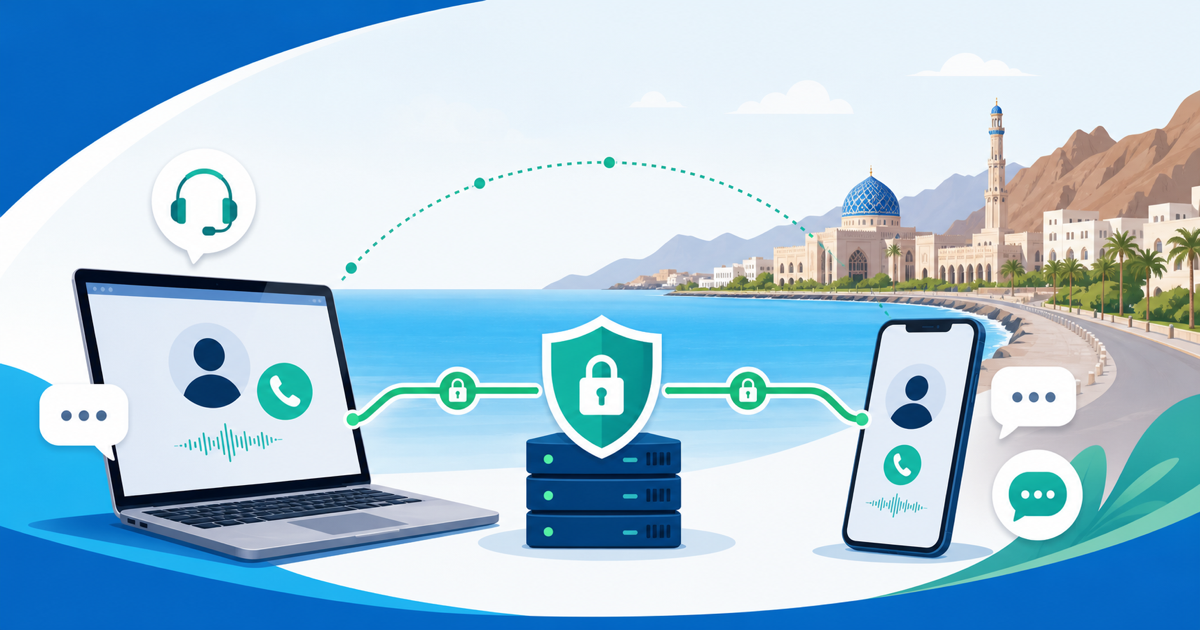
If you are planning a trip, relocation, or remote-work stay in Oman, do not leave your calling setup until the first night in a hotel room. Internet calling can depend on local network conditions, app rules, account settings, and the way your traffic is routed. A VPN route may help with part of that picture, but it should not be treated as a guarantee that any particular calling service will work.
This guide explains how to think about VoIP calls in Oman before you rely on them, what a VPN can reasonably help with, and what you should prepare as a backup.
Why calling plans need more preparation in Oman
People often search for calling guidance only after something fails: a call will not connect, audio drops, an app behaves differently on mobile data than on hotel Wi-Fi, or a work meeting starts in ten minutes. That is a hard moment to troubleshoot.
The safer approach is to prepare before travel. If you expect to use internet-based voice or video calls, build a small communication plan:
- what app or service you normally use;
- what account login and recovery method it requires;
- whether your workplace or family has a backup channel;
- whether you can make ordinary mobile or landline calls if internet calling is unreliable;
- whether your VPN is installed, updated, and tested before departure.
This matters because calling apps in Oman may not behave exactly the way you expect from home. The right framing is not panic. It is preparation: know your options, understand the limits, and avoid relying on one route for every important call.
What a VPN route can help with
A VPN changes the route your internet traffic takes between your device and the wider internet. Instead of your device connecting directly through the local network to each online service, the VPN creates an encrypted connection to a VPN server first. From there, traffic continues toward the service you are using.
For travelers and remote workers, that can be useful in several practical ways:
- It can add protection when you are using unfamiliar Wi-Fi in airports, hotels, cafes, or shared housing.
- It can reduce how much the local network operator can see about the specific sites and services your device is contacting.
- It can make your network route look different from a direct local connection.
- It can help keep routine browsing, messaging, and work traffic better separated from the risks of public networks.
That is why some readers look for a VPN for Oman before they travel. The useful question is not whether a VPN is a magic switch. It is whether having a VPN route ready gives you a more controlled, secure way to connect when you are away from your usual network.
What a VPN cannot guarantee
A VPN is only one part of the connection path. It does not control every factor that affects internet calls.
A VPN cannot guarantee that a third-party calling service will accept your connection. It cannot guarantee that a local network will allow every type of traffic. It cannot guarantee audio quality, video quality, latency, account access, or app availability. It also cannot change the rules that apply to you, your account, your employer, or the service you are using.
That is especially important when people search for a VPN for VoIP in Oman. The phrase makes sense as a planning topic, but the result still depends on several layers:
- the local network you are using;
- the VPN connection quality;
- the calling service’s own policies and technical controls;
- your account status and login verification;
- device settings, operating system permissions, and app updates;
- local rules and service terms that may apply to your situation.
Before relying on a VPN-routed call, check the relevant local rules, your organization’s policies, and the service terms for the apps you plan to use. This article is practical planning guidance, not legal advice.
How to prepare before you travel
The best time to set up a secure VPN for travel is while you still have stable access to your usual devices, accounts, app stores, password manager, and recovery methods.
Use this checklist before you leave:
- Install and update your VPN before departure. Do not assume you will be able to download, configure, or troubleshoot every tool once you are already abroad.
- Sign in and confirm that your account recovery works. If your email, authenticator app, or phone number is needed for login, test it while you still have normal access.
- Test ordinary browsing through the VPN. Confirm that your device can connect, disconnect, and reconnect without breaking your normal workflow.
- Test calls responsibly. If you plan to use internet calls for work or family, run a short test with your chosen setup before relying on it for anything important.
- Prepare a non-VoIP fallback. Keep options such as mobile roaming, a local SIM or eSIM, hotel phone access, business phone lines, email, SMS, or another approved communication channel.
- Keep contacts available offline. Save critical numbers and meeting details somewhere you can access without a live cloud sync.
- Plan around time-sensitive calls. For medical, legal, financial, immigration, or urgent work conversations, do not rely on one app, one Wi-Fi network, or one VPN route.
The goal is simple: if one method fails, you still have another way to reach the person.
How to test without over-relying on the result
A successful test call is useful, but it is not a permanent guarantee. Networks change. Hotel Wi-Fi can differ by floor. Mobile data can behave differently from public Wi-Fi. Apps update. Account security checks can appear at the worst moment.
When testing, keep notes on the practical details:
- which device you used;
- whether you were on Wi-Fi or mobile data;
- whether the VPN was connected before opening the calling app;
- whether audio stayed stable for a few minutes;
- whether login or verification prompts appeared;
- what backup method you used if the call failed.
If the call works once, treat that as one positive signal, not a promise. If it fails, avoid rapid random changes that create new problems. Try a controlled sequence: reconnect to the network, reconnect the VPN, restart the app, switch between Wi-Fi and mobile data if available, then move to your backup channel.
Network hygiene for hotels, airports, and shared Wi-Fi
Even when you are not making calls, travel networks deserve caution. Public or shared Wi-Fi can be convenient, but you usually do not control the router, the guest network settings, or the other devices connected to it.
Good travel hygiene is boring, but it works:
- use a VPN on unfamiliar networks when appropriate;
- keep your operating system and apps updated;
- avoid logging in to sensitive accounts on shared or borrowed devices;
- turn off auto-join for networks you do not trust;
- use a password manager and unique passwords;
- enable multi-factor authentication where practical;
- avoid sending sensitive information through unknown web forms or suspicious links.
VPN Satelites fits into this preparation mindset as the VPN product context for planning a safer route on unfamiliar networks. It should sit alongside device updates, account security, and backup communication channels rather than replacing them.
A responsible mindset for Oman communication planning
If your main concern is internet calling abroad, focus on reliability and responsibility rather than shortcut promises.
Use a VPN route because it can support safer network use and give you a more controlled connection path. Do not use it as your only plan for essential communication. Check local rules and service terms. Avoid assuming that a setup that worked in one country, hotel, network, or app will work the same way everywhere else.
For Oman, the practical plan is straightforward: prepare before travel, test responsibly, keep backup calling options, and understand the limits before the call matters.
FAQ
Can a VPN guarantee that VoIP calls will work in Oman?
No. A VPN can change and encrypt part of your network route, but it cannot guarantee that any specific VoIP or calling service will work. App policies, account checks, local networks, service terms, and applicable rules can all affect the result.
Should I install a VPN before arriving in Oman?
Yes, if you plan to use one while traveling, install and test it before departure. It is easier to update apps, confirm login, fix account issues, and prepare backups while you still have access to your usual network and recovery methods.
Is a VPN enough for important work or family calls?
No single tool is enough for important calls. Use a VPN where appropriate, but also prepare backup communication options such as mobile calling, roaming, a local SIM or eSIM, email, SMS, or an approved workplace channel.
Can I rely on one calling app for the whole trip?
That is risky. Different networks and account checks can affect call reliability. Keep at least one backup method ready, especially for urgent, business-critical, medical, legal, or travel-related conversations.
Does using a VPN make me anonymous?
No. A VPN changes and encrypts part of your network route, but it does not make you anonymous. Your accounts, device, payment details, app activity, browser behavior, and the services you log in to can still identify you in different ways.