
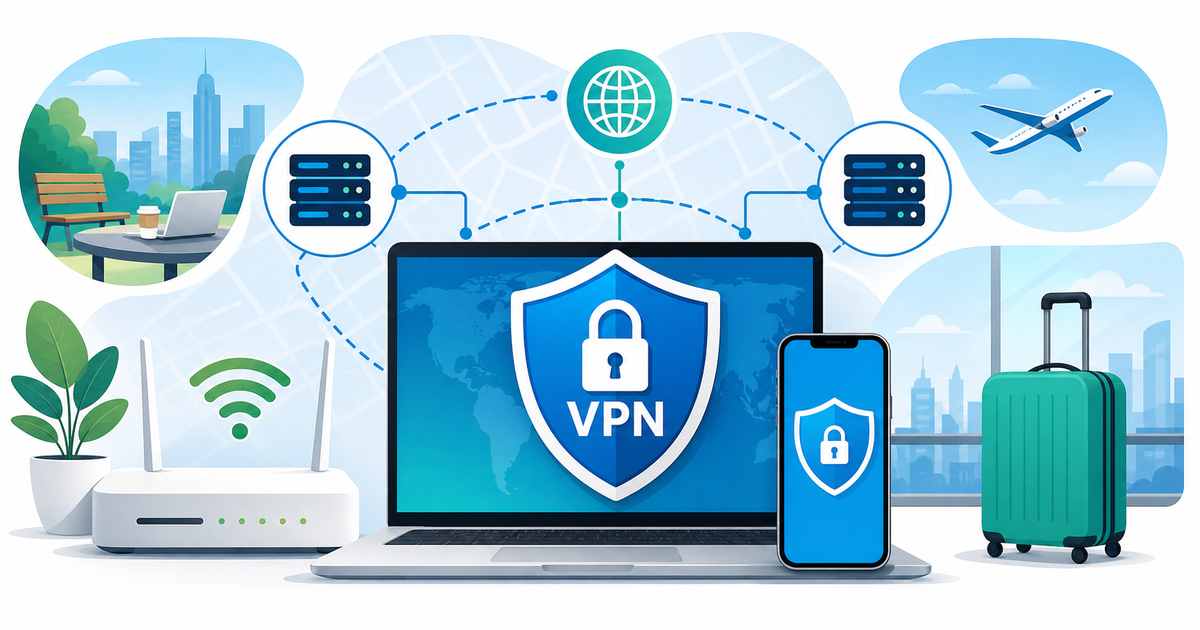
When internet access feels predictable, most people do not think about their VPN setup until something breaks: a hotel network blocks a login page, a cafe Wi-Fi connection behaves strangely, a work account asks for extra verification, or platform rules change without much notice. For readers searching for vpn nigeria advice, the useful question is not “Which tool guarantees access to everything?” No responsible guide should promise that.
The better question is: what can you prepare before you need it?
This guide is for Nigeria-based users, travelers, remote workers, and privacy beginners who want practical VPN readiness habits without overclaims. It explains where a VPN can fit into your everyday internet routine, what to test before travel or disruption, and how to keep expectations realistic when public Wi-Fi, account checks, or social media access become uncertain.
Why VPN readiness matters in Nigeria
Nigeria has a large, mobile-first internet audience, and many people rely on social platforms, messaging, online banking, cloud tools, and remote-work apps every day. That makes connection changes noticeable. A weak hotel network, a public hotspot, a platform policy shift, or a temporary access issue can interrupt work, travel plans, and communication.
The historical twitter ban nigeria topic is part of why some users now think about VPN readiness earlier. It should be treated as historical context, not as a claim that the same restriction is active today. The broader lesson is simpler: platform availability and rules can change, and users are better served by preparing calmly before a stressful moment.
A VPN is not a magic access switch. It does not remove account rules, platform terms, local laws, identity checks, or the reality that some services may still limit access. But for many readers, learning how a VPN fits into a wider internet-safety routine is still useful.
What a VPN can and cannot do
A VPN changes the route your internet traffic takes between your device and the VPN provider’s network. That can be useful in some everyday situations, especially when you are moving between networks or using public connections.
At the same time, a VPN does not make every online risk disappear. It does not guarantee that a website, app, or social platform will be reachable. It does not make account activity invisible to the platform you are logged into. It does not replace strong passwords, two-factor authentication, HTTPS, device updates, or common-sense account hygiene.
Think of VPN readiness as one layer in a practical checklist, not as a single answer to every internet problem.
When to think about a VPN in Nigeria
If you are considering a vpn in nigeria, start with the situations where preparation can save time and reduce confusion.
Public Wi-Fi
Airports, hotels, cafes, coworking spaces, and event venues often run shared networks. Some are slow. Some have login portals. Some block certain traffic. Some simply behave unpredictably.
Looking for a vpn for public wifi makes sense when you often work or browse outside your home or office network. Before relying on it, test your VPN on a normal day. Check whether your essential sites load, whether your work tools behave normally, and whether your device switches networks without causing login problems.
Also keep the basics in place:
- Use HTTPS websites whenever possible.
- Keep your operating system and browser updated.
- Turn on two-factor authentication for important accounts.
- Avoid entering sensitive information on networks that feel suspicious or unstable.
- Disconnect from public Wi-Fi when you do not need it.
Those habits still matter whether or not you use a VPN.
Travel and remote work
Travel often changes your network environment. You may move from mobile data to airport Wi-Fi, then to hotel Wi-Fi, then to a shared office connection. Each change can trigger different login behavior.
If your work depends on cloud dashboards, email, banking, social accounts, or client tools, test your setup before the trip. Do not wait until you are at the airport with a deadline.
A simple pre-travel check can include:
- Confirm that your VPN app opens and connects on your device.
- Test the websites and apps you actually need.
- Make sure you can receive two-factor authentication codes.
- Save backup login methods where your accounts allow them.
- Know how to turn the VPN off if a trusted app requires a direct connection.
- Review your employer’s rules if you use work-managed devices.
The goal is not to avoid rules. The goal is to avoid being surprised by your own setup.
Social media uncertainty
Many people search for a vpn for social media because they want to stay prepared when platform rules, access conditions, or network behavior become uncertain. That is a reasonable planning concern, but it needs careful expectations.
A VPN cannot promise that a social platform will load, that an account will avoid checks, or that a platform will accept every connection pattern. Social services can still see account-level signals such as logins, device behavior, security settings, and activity history. Sudden changes in location or connection patterns may trigger extra verification on some accounts.
Before any disruption, review your account basics:
- Use strong, unique passwords.
- Turn on two-factor authentication.
- Keep recovery email and phone options current.
- Check whether you can access backup codes.
- Avoid rapid login changes across many devices or networks.
- Read the relevant platform terms and local rules.
This is especially important for creators, freelancers, journalists, community managers, and small businesses that rely on social accounts for income or audience contact.
How to prepare before you actually need a VPN
Preparation is boring until it saves you time. A practical VPN readiness routine can be short.
1. Install and test early
Install your VPN before travel, before a major event, or before you expect network uncertainty. Open it, connect, browse your usual sites, and check your main accounts.
Testing early gives you time to understand normal behavior. If something does not load, you can troubleshoot calmly instead of changing settings in a rush.
2. Keep account access separate from network access
A VPN may change your network route, but your accounts still have their own rules. Email, banking, work tools, and social platforms may ask for extra verification when they notice a new device, location pattern, or login context.
That is why two-factor authentication, recovery options, and backup codes belong in the same readiness checklist as your VPN.
3. Know when to disconnect
Sometimes the practical answer is to turn the VPN off for a trusted service that does not behave well through a routed connection. That does not mean the VPN is useless. It means different services can respond differently.
If a login fails, avoid repeated attempts. Check the account’s own security prompts, confirm the site URL is correct, and use your normal recovery path when needed.
4. Keep legal and workplace rules in view
Rules around networks, platforms, and workplace devices vary by country, employer, school, and service. This article is not legal advice. If you are unsure what is allowed in a specific situation, check the rules that apply to you before acting.
That caution matters more when platform access is politically sensitive, work-related, or tied to a regulated industry.
A realistic checklist for everyday users
Use this checklist if you want a calm, practical way to think about VPN readiness:
- I have tested my VPN on my main device before I need it.
- I know which accounts require two-factor authentication.
- My recovery email, phone, or backup codes are current.
- I use HTTPS sites and avoid suspicious public Wi-Fi login pages.
- I understand that a VPN does not guarantee access to every app or website.
- I know how to disconnect the VPN if a trusted service requires it.
- I have checked local laws, platform terms, and workplace rules where relevant.
- I do not rely on one tool for every privacy, access, or account-safety issue.
For most people, that is a stronger plan than installing a VPN during a stressful moment and hoping everything works instantly.
Common mistakes to avoid
The biggest mistake is treating a VPN as a guarantee. It is not. Platform rules, account checks, local regulations, device settings, and network conditions can still affect what you can do online.
Another mistake is ignoring account recovery. If you lose access to your email or social account, the VPN is not the recovery tool. Your recovery methods, identity checks, and platform support process matter more.
A third mistake is testing only once. Apps, devices, and networks change. If you depend on certain accounts for work or travel, check your setup from time to time, especially before a trip.
FAQ
Is there one best way to use a VPN in Nigeria?
There is no single setup that fits everyone. A remote worker, a student, a traveler, and a social media manager may all have different needs. Start by testing the accounts and websites you actually use, then build your checklist around them.
Does a VPN guarantee access to social media?
No. A VPN should not be treated as a guarantee that any social platform will be reachable. Platforms can apply their own terms, account checks, technical limits, and regional policies. Use a VPN for readiness planning, not as a promise of access.
Should I use a VPN on public Wi-Fi?
If you often use shared Wi-Fi, it is reasonable to include a VPN in your broader safety routine. Still, keep HTTPS, software updates, two-factor authentication, careful login habits, and account recovery options in place.
What should I do before traveling?
Install and test your VPN before the trip, confirm that key accounts work, update recovery options, save backup codes where available, and check any workplace or local rules that apply to your situation.
Why does the historical Twitter ban matter for VPN planning?
The historical Nigeria Twitter restriction made many users more aware that platform access can become uncertain. The practical takeaway is not panic or guaranteed workaround advice. It is preparation: understand your tools, protect account access, and keep realistic expectations.
Final thought
VPN readiness is mainly about timing. If you wait until public Wi-Fi fails, a work login gets blocked, or a platform becomes uncertain, every decision feels urgent. If you prepare earlier, you can test your setup, fix account recovery gaps, and understand what a VPN can and cannot do before it matters.
For VPN Satelites readers in Nigeria, that is the useful habit: prepare early, keep expectations realistic, and treat a VPN as one part of a wider internet-readiness routine.